
The create tab has a couple of new features in the new app, as well as providing the hub for adding new locations and assets, it is also possible to add location notes and asset notes, not previously possible in ZetaMobile.
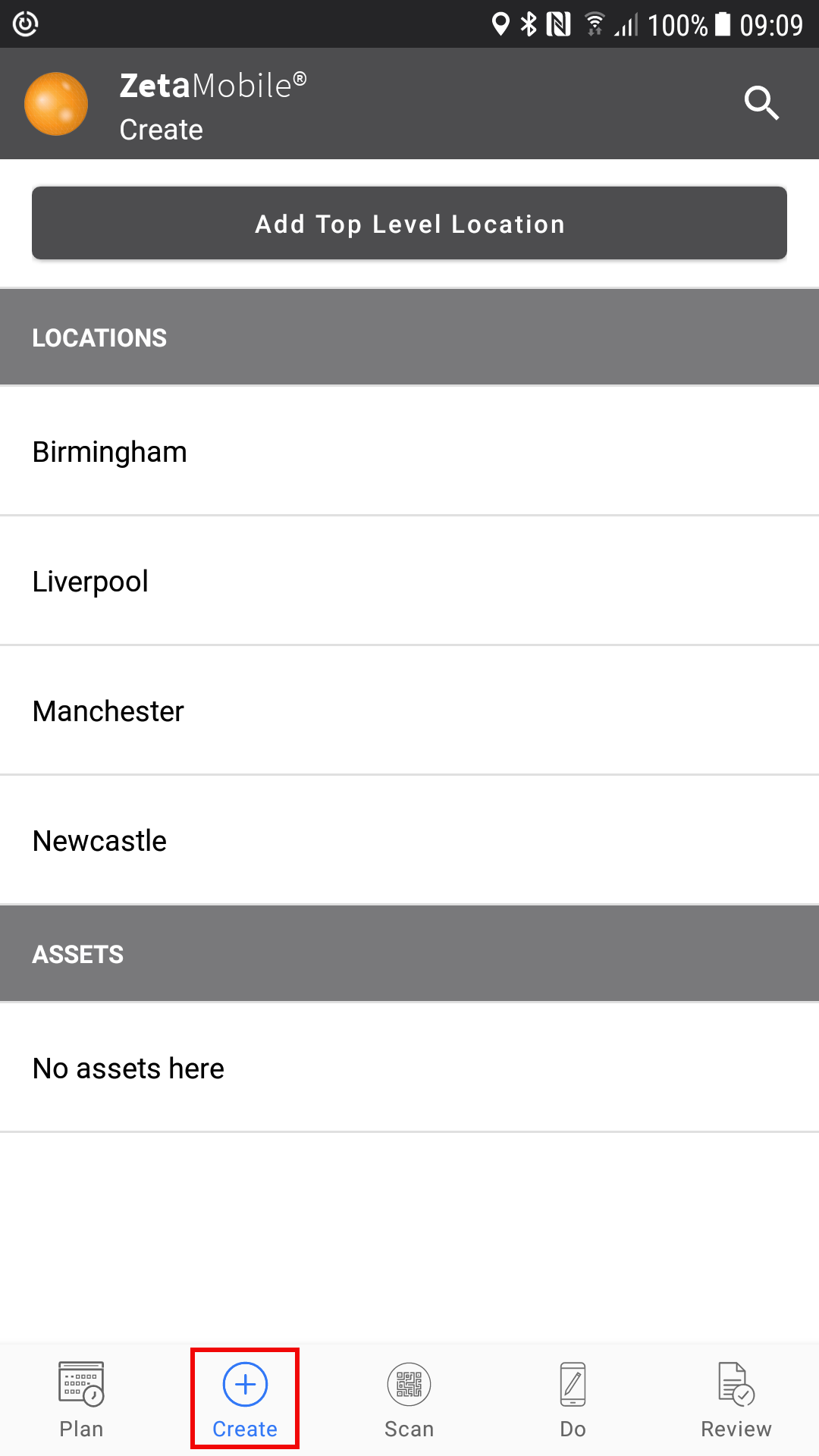
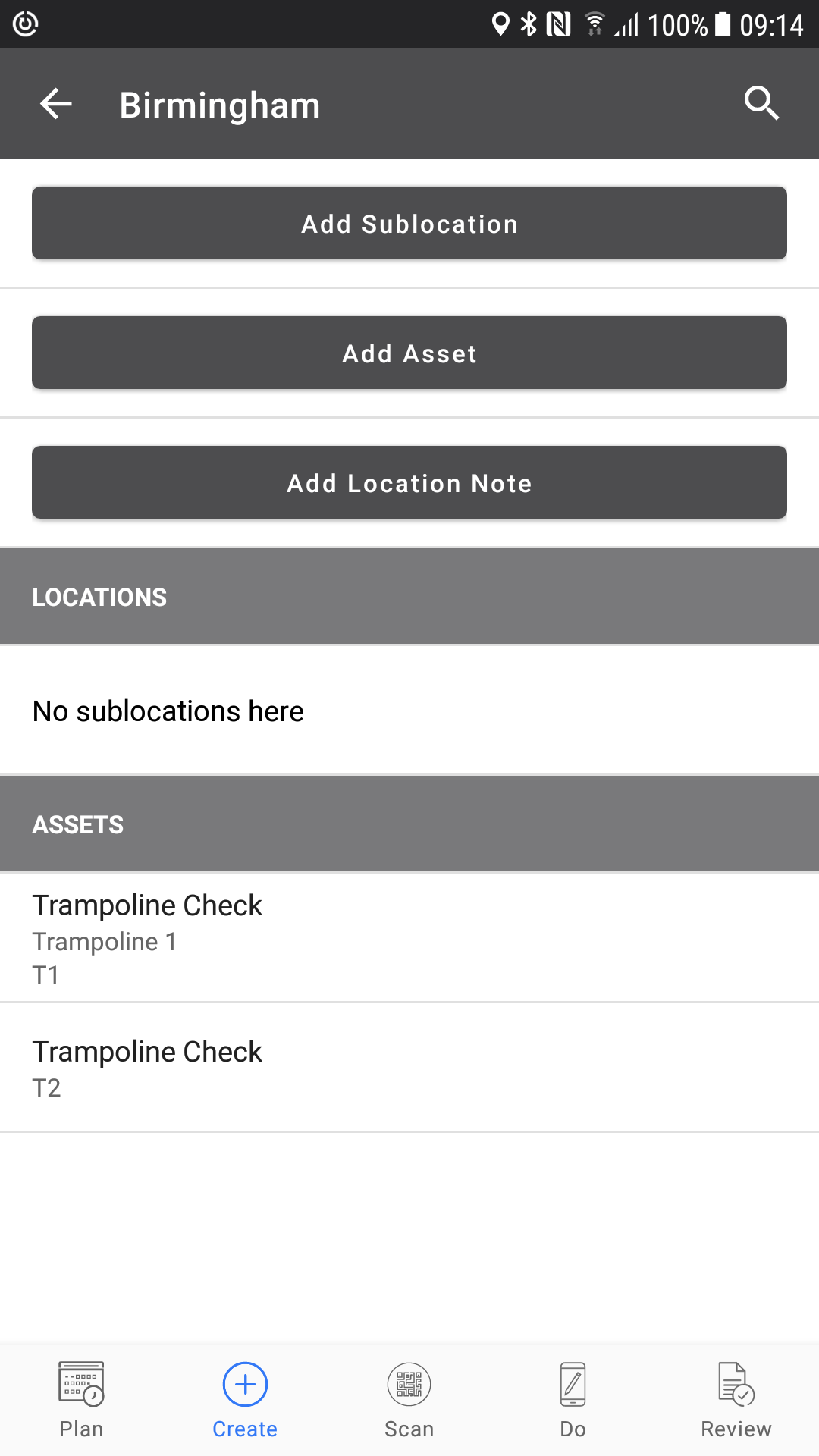
Fig 1 Create tab screen 1 Fig 2 Create tab screen 2 - after location selected
Menus may be restricted depending on your user role, for example location type users will not see 'Add Top Level Location' as shown in Fig 1, they can only add sublocations to an existing location. (see Fig 2).
Basic users cannot add new locations or new assets but they can select locations and add location notes, or select an asset and add an asset note (Fig 2).
Guidance on how to add asset and location notes can be found here for asset notes,and here for location notes
Comments
0 comments
Article is closed for comments.