
Assets can be added three ways through ZetaMobile, provided there are sufficient asset licences available in the client database.
- Scan an unknown barcode [Fig 1]
- Enter an unknown barcode manually [Fig 2]
- Add asset from the create tab [Fig 3]
Scan/enter an unknown barcode
An unknown barcode is one which does not already exist within your client database. Where you scan or enter a barcode which does exist you will be redirected to the asset details screen to perform the tasks.
Upon saving the new asset the user is taken to the asset details screen where tasks can be completed.
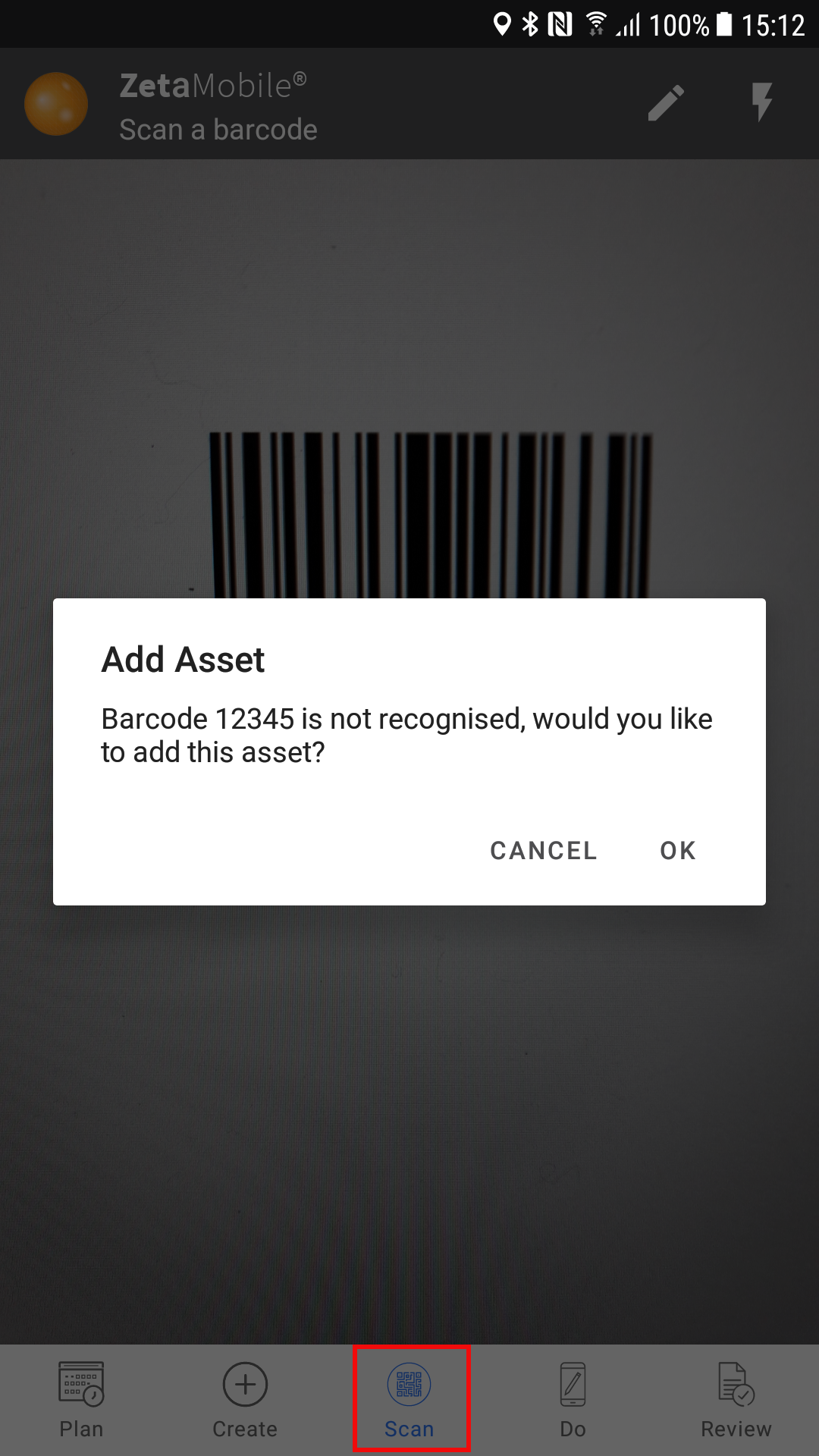
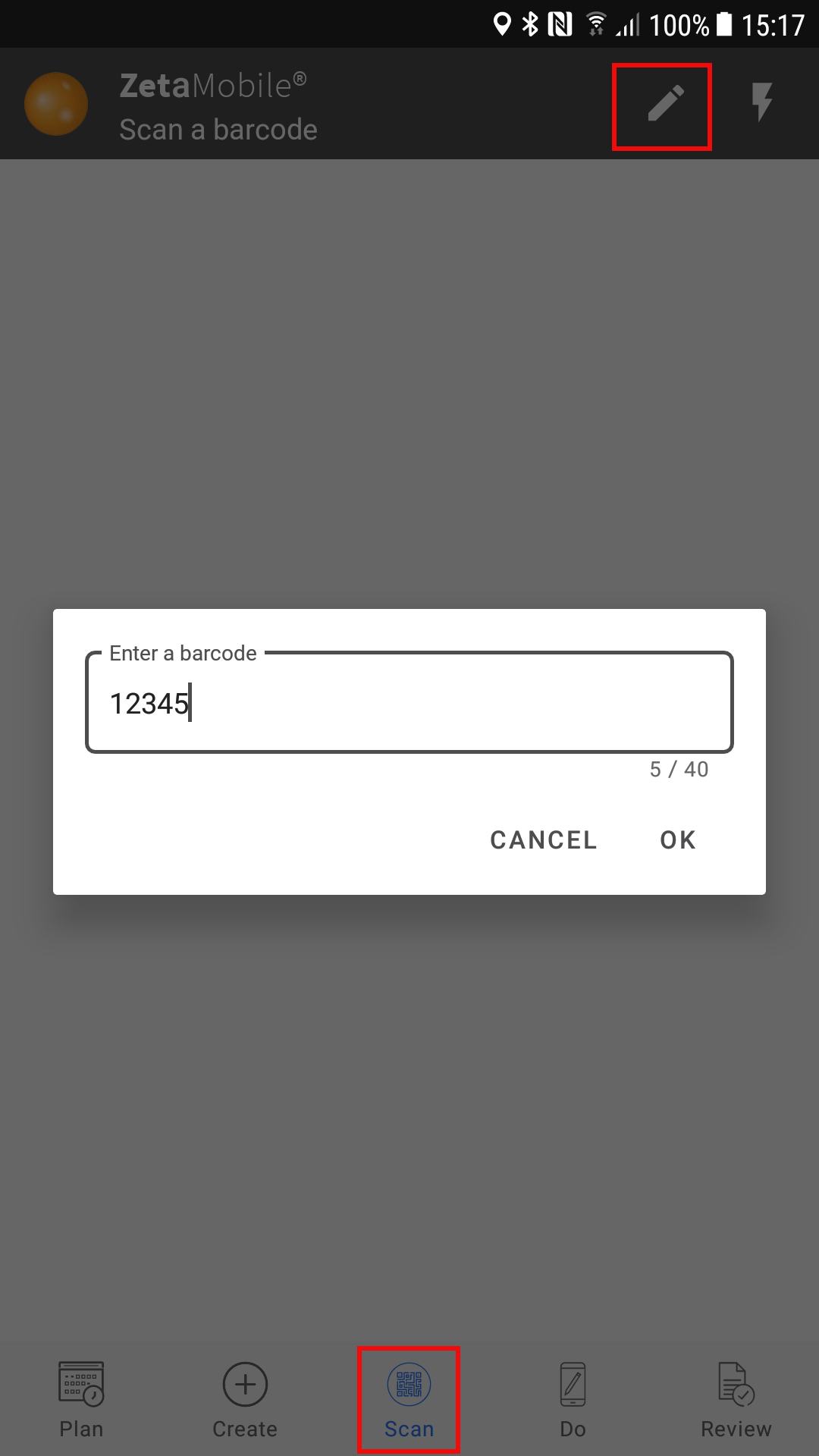
Fig 1 Fig 2
Add asset from the create tab
- Click on the create tab [Fig 3]
- Drill down to the location where the asset is installed [Fig 4]
- Select add new asset from the menu buttons [Fig 5]
- Enter details, asset type and location are mandatory fields. [Fig 6]

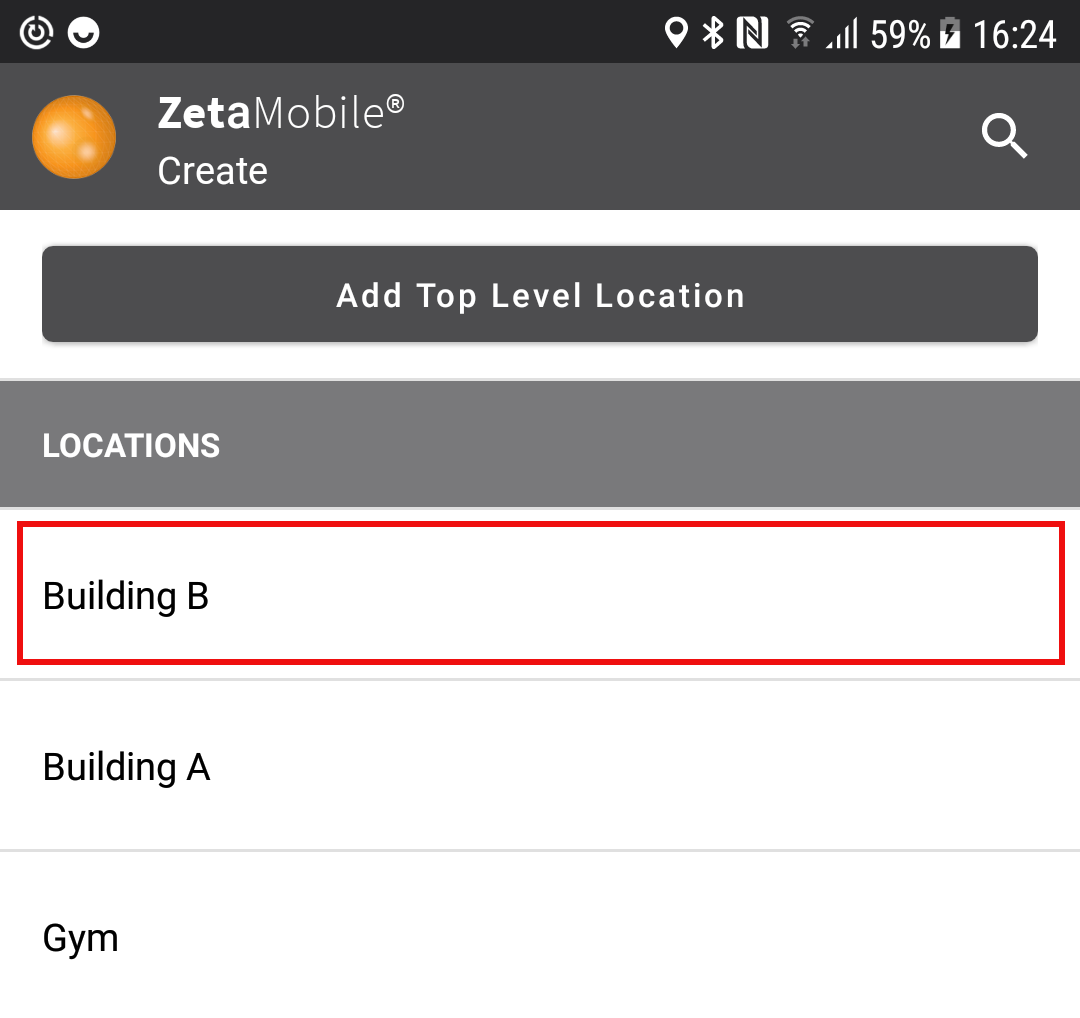
Fig 3 Fig 4
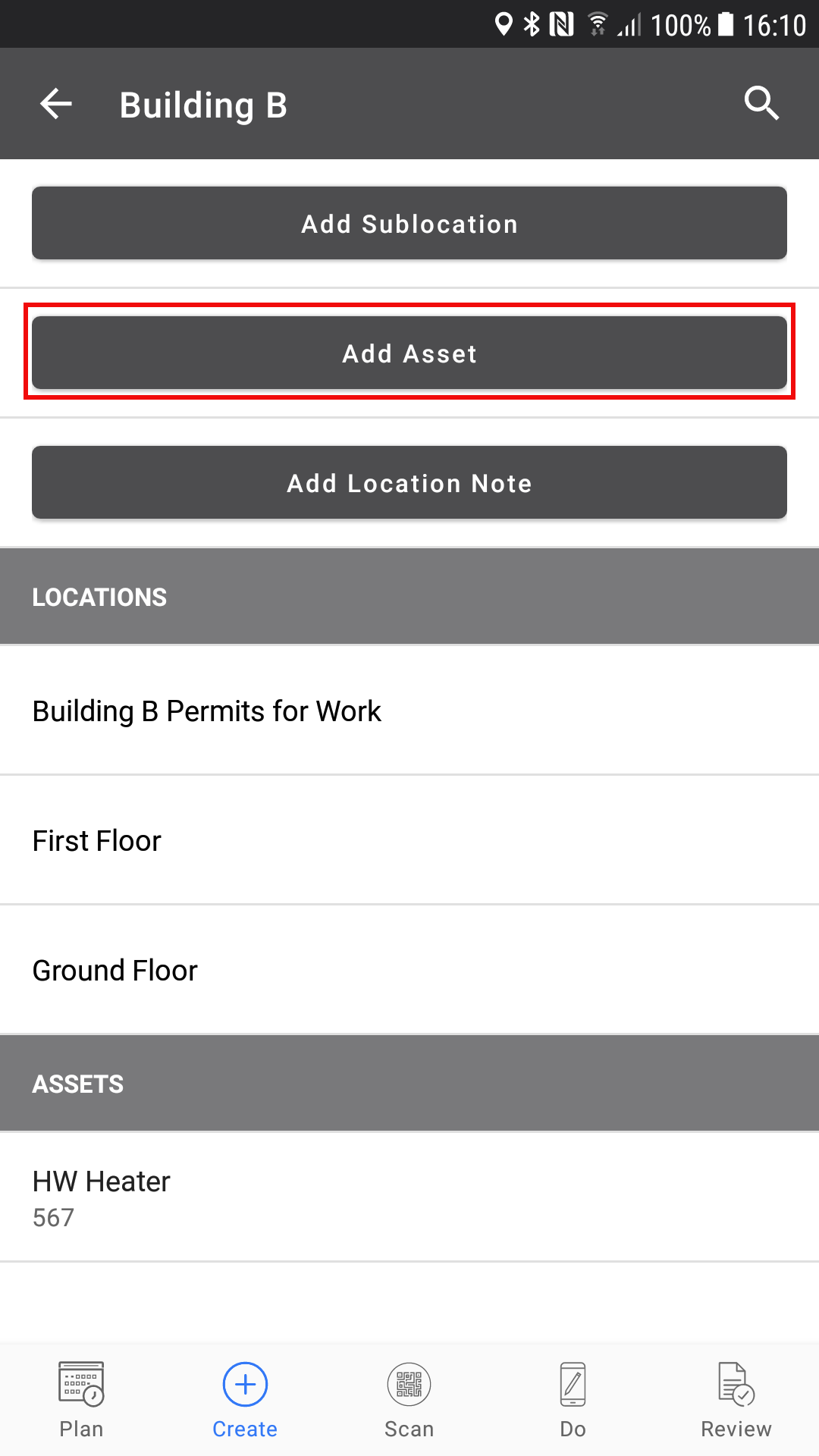
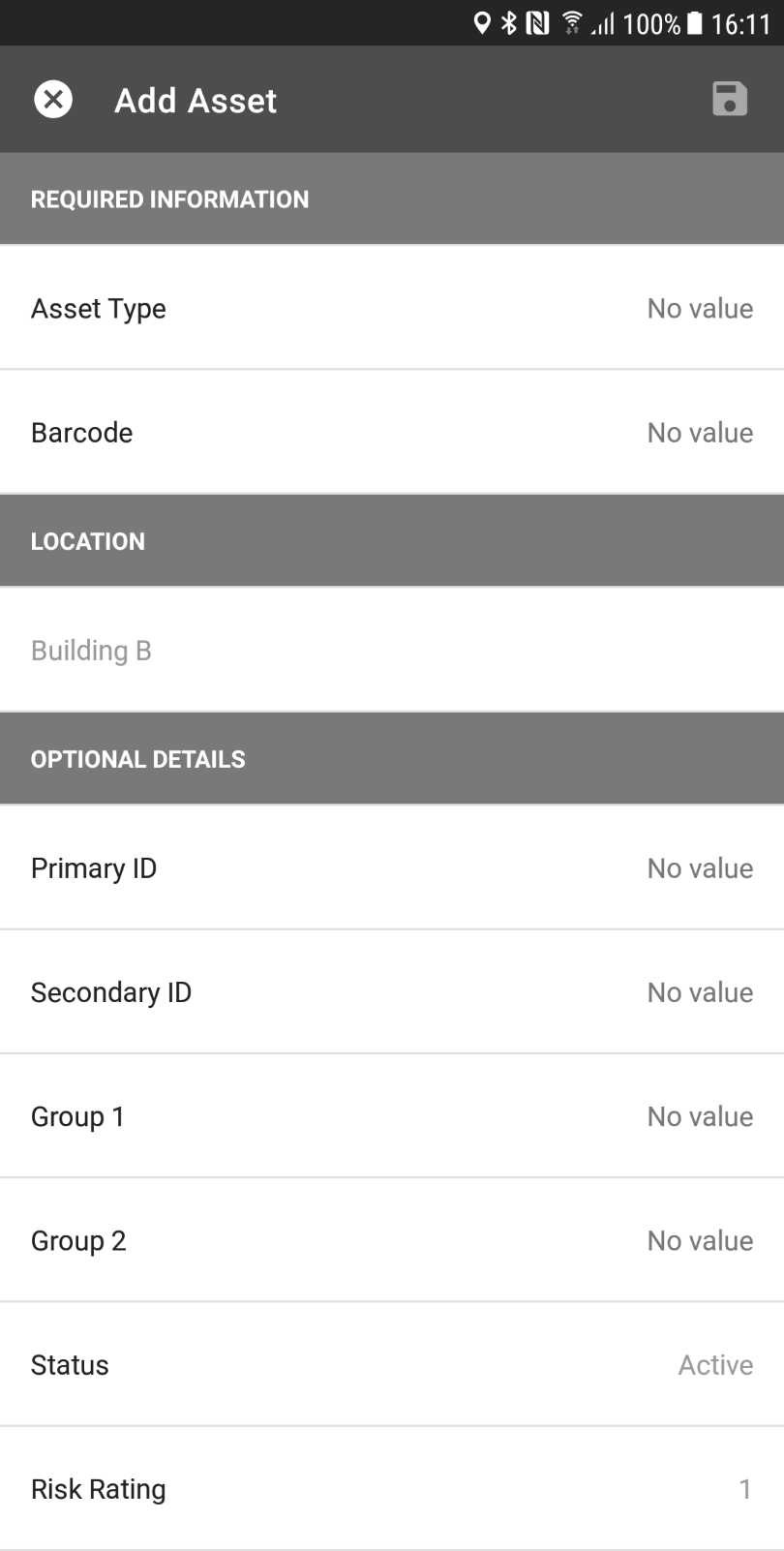
Fig 5 Fig 6
Comments
0 comments
Article is closed for comments.