
- No connection to Internet - syncing or logging in
- Plan tab is empty
No connection to Internet
Check wifi is on, SIM data enabled, good network connection. Check https://status.zetasafe.net/
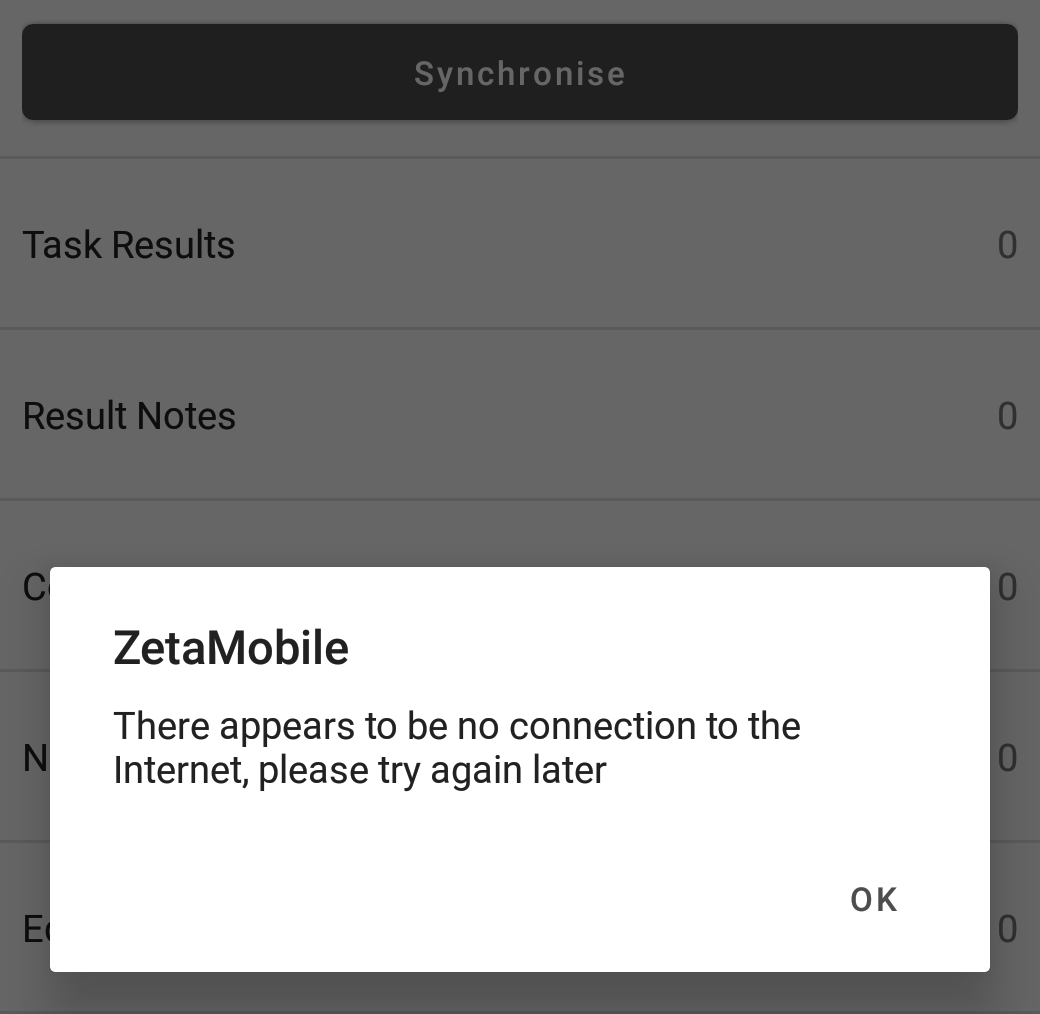
Fig 1
Plan tab is empty
Most likely causes with solutions:
- There is a filter applied somewhere which is hiding due tasks - check plan tab filters
- You have completed all your planned work - check review tab & sync device
- Your database is out of date and there are no longer any tasks in tolerance - sync device
Comments
0 comments
Article is closed for comments.