
Additional roles can be added to user accounts and users can switch between them without having to logout and back in.
At the top of the screen the account type and active role (including channel/client scope currently applied) is displayed.
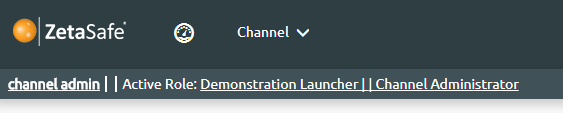
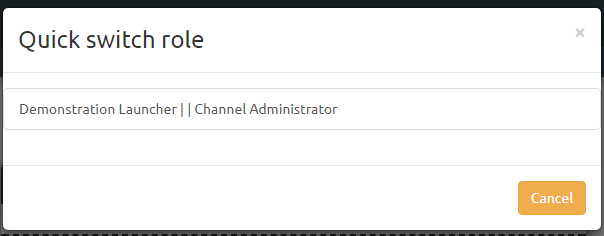
Clicking on this link allows the user to select a different role and the dashboard will refresh accordingly.
Comments
0 comments
Please sign in to leave a comment.