
The Open vs Closed note widget allows you to view result notes, which may still require attention, rolled up by the date the associated task result was entered.
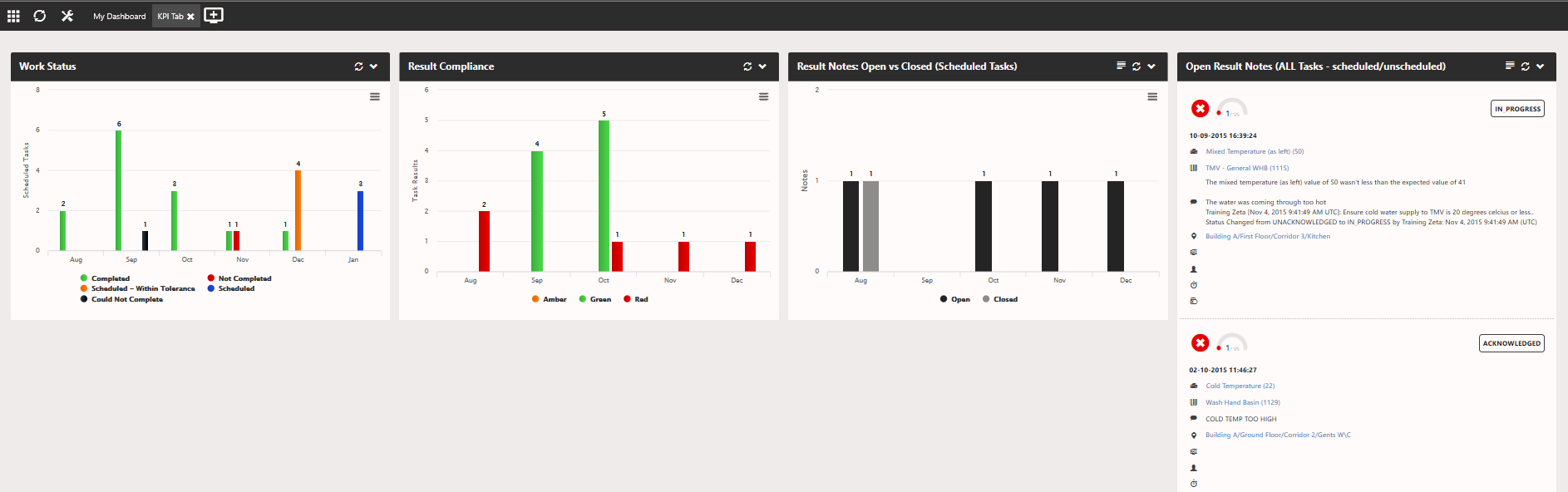
The widget can be filtered in a number of different ways, for example only showing result notes where the result signed off a scheduled event, an example of how you might arrange this widget to tell a story is shown in the image below.
Here we are viewing the scheduled events for the last 3 months on the left, in the middle we are looking at actual task data entered which signed off the green events (and the results compliance). Then on the right we can see, of those results which signed off events, how many notes were added and their current status (open/closed)
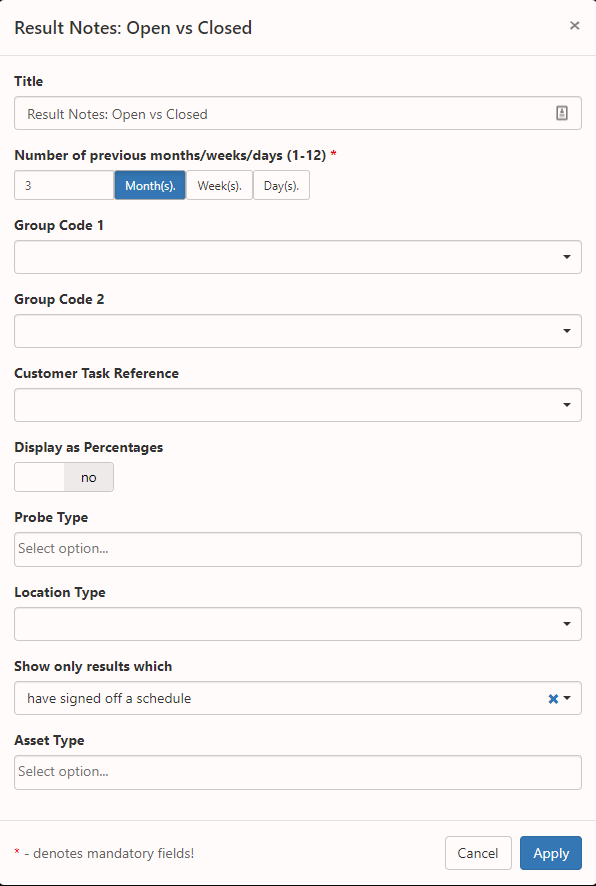
The following image shows the available filters for the 'Result Notes: Open vs Closed' widget
Comments
0 comments
Article is closed for comments.