
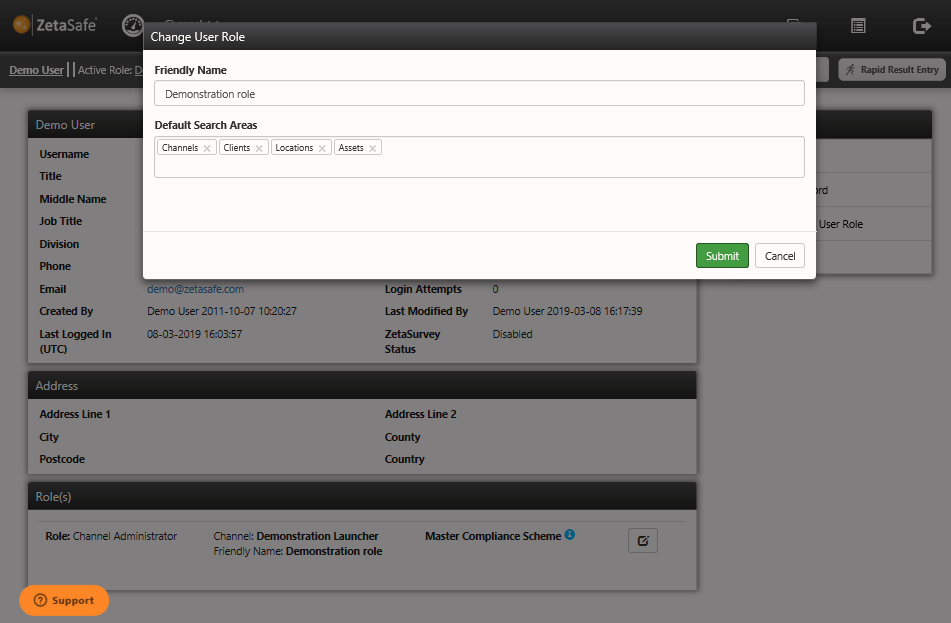
To amend the default search areas which are used by the main search box in the ZetaSafe header either:
- Click on the current logged in user and click the ‘edit’ button next to whichever role they should be set for
- Go to user management, select the user to edit and again, click edit next to the appropriate role.
These defaults are restored every time a new search is made from the main search box, the search areas can be amended on the search results screen - searches from within the results page will use these ‘temporary’ selections until another search is made from the main search field.
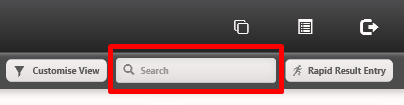
Main search field:
Comments
0 comments
Please sign in to leave a comment.