
The do tab is a place to find assets, useful if you know where you are (or what you are looking at) but the barcode or unique identifier has been removed/damaged. This helps ensure users do not add many duplicate assets where only one is required, erroneously inflating KPIs like missed tasks and unable to completes.
There are two main options:
- Find the asset by location [Fig 2]
- Find the asset by asset type (eg CWS Tank) [Fig 3]
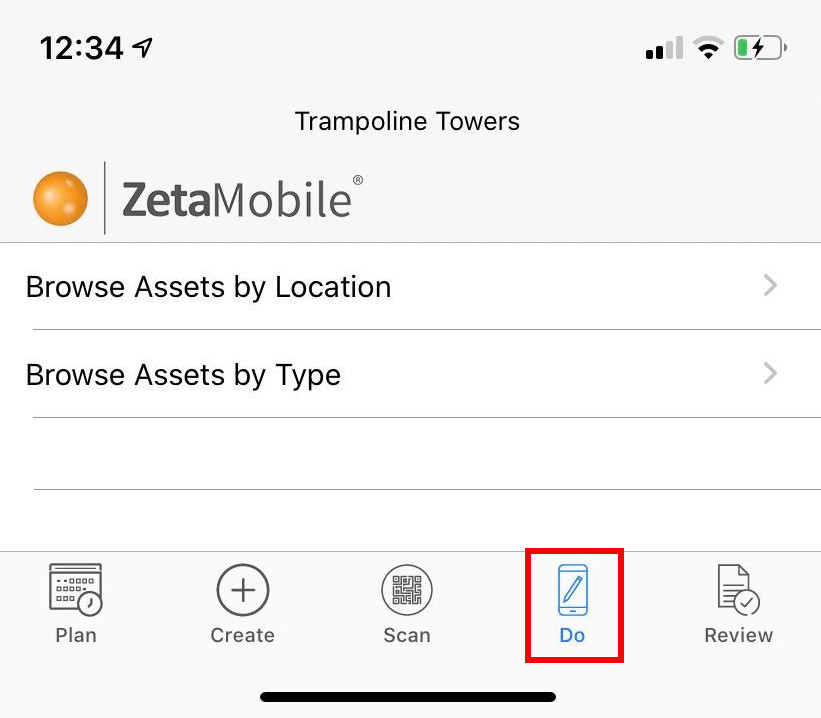
Fig 1
The scan/manual entry buttons (shown on this tab in older versions of the app) have now been combined in the always visible scan button [Fig 1: to left of Do tab], reducing user clicks in the app by half where scan is utilised on sites.
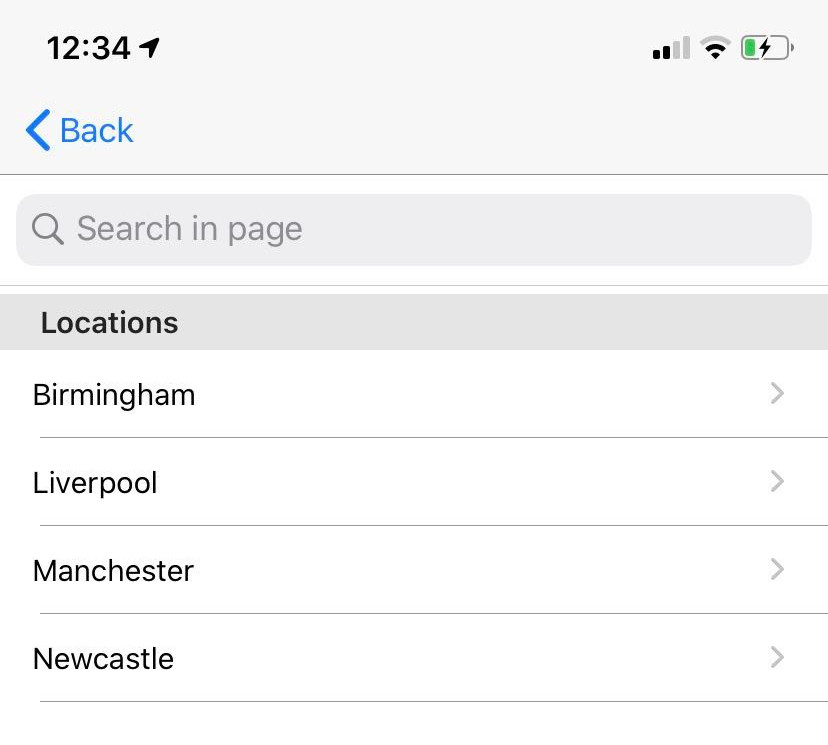
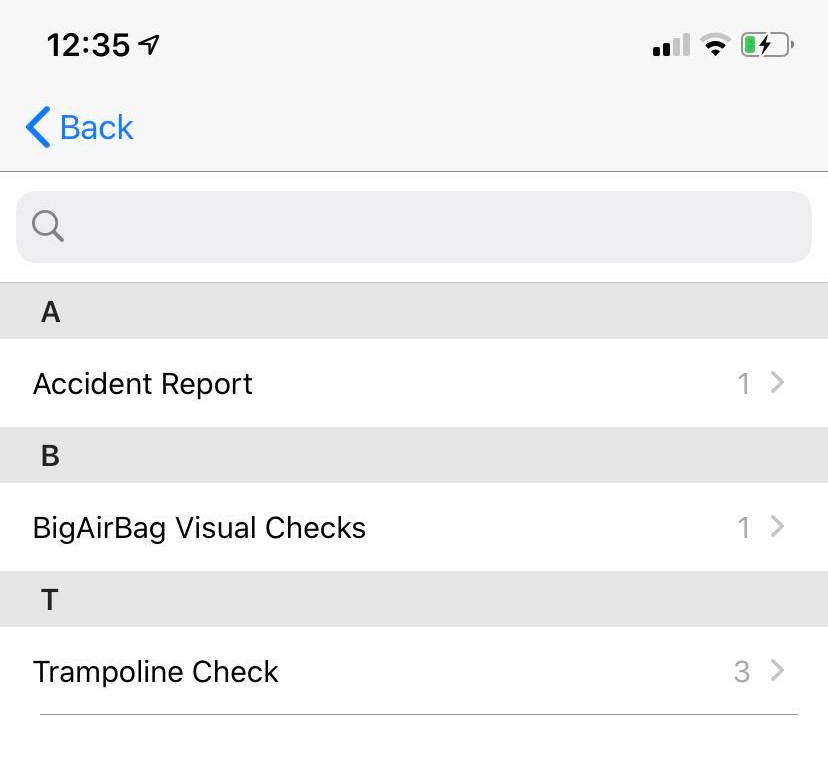
Fig 2 Fig 3
Comments
0 comments
Article is closed for comments.