
Login
ZetaMobile login functions have been improved to include access to reset your password, facial recognition and SSO (if enabled in your client database).
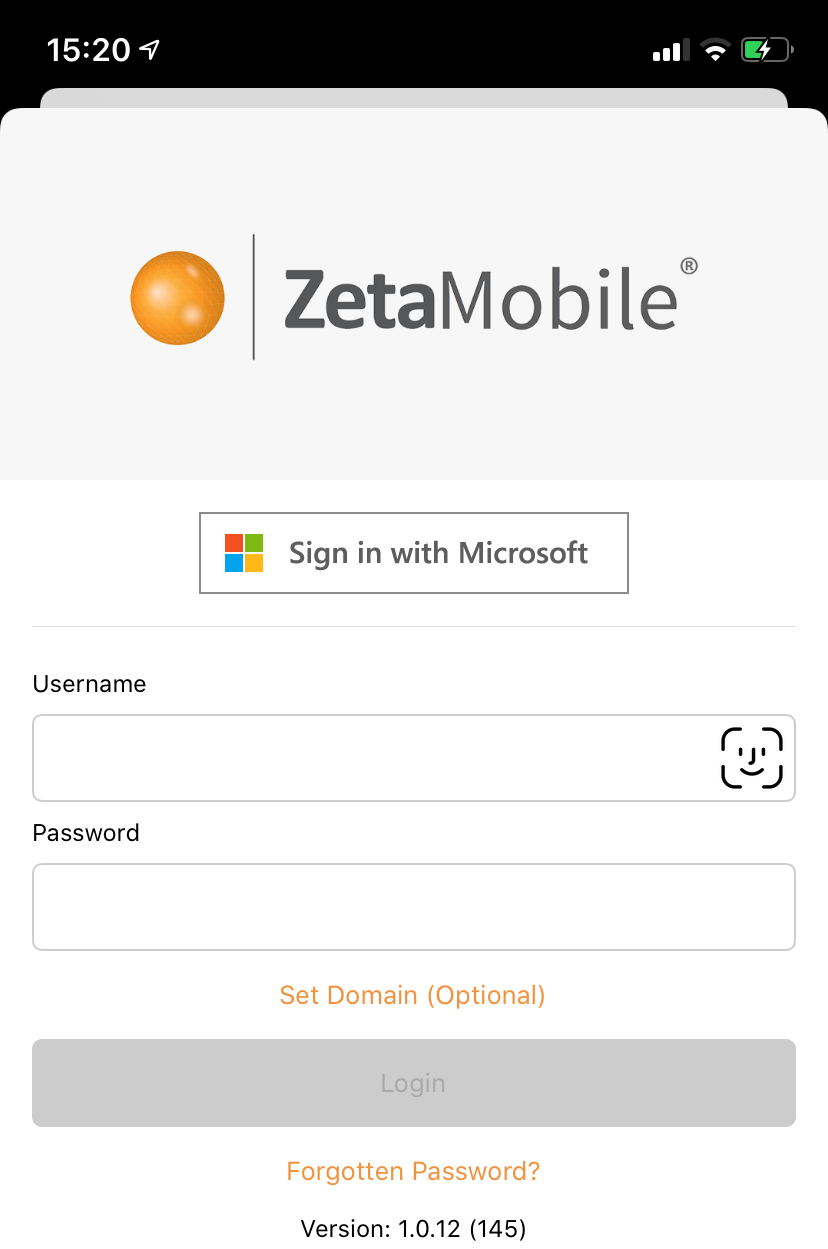
Fig 1
Enter your username and password [Fig 1] and the login button will activate, depending on the user access (additional roles, channel and client users) the next screen will show:
- The Plan Tab of the client (client specific type roles) Fig 2
- The User Roles applicable for the account (multi-role users) Fig 3
- The Client selection screen (channel type roles) Fig 4
User roles can have a friendly name associated with them, this can be useful if you have many roles - some within the same client.
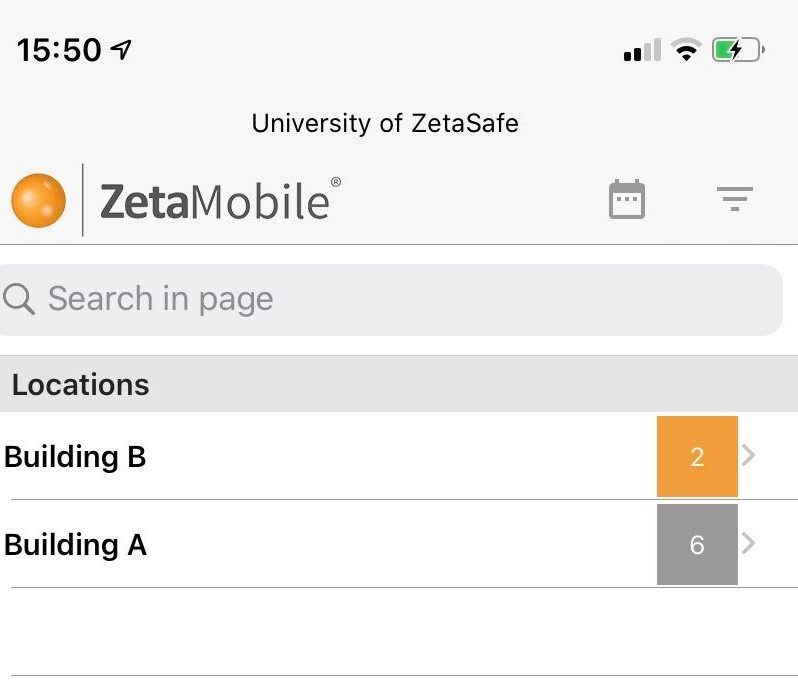
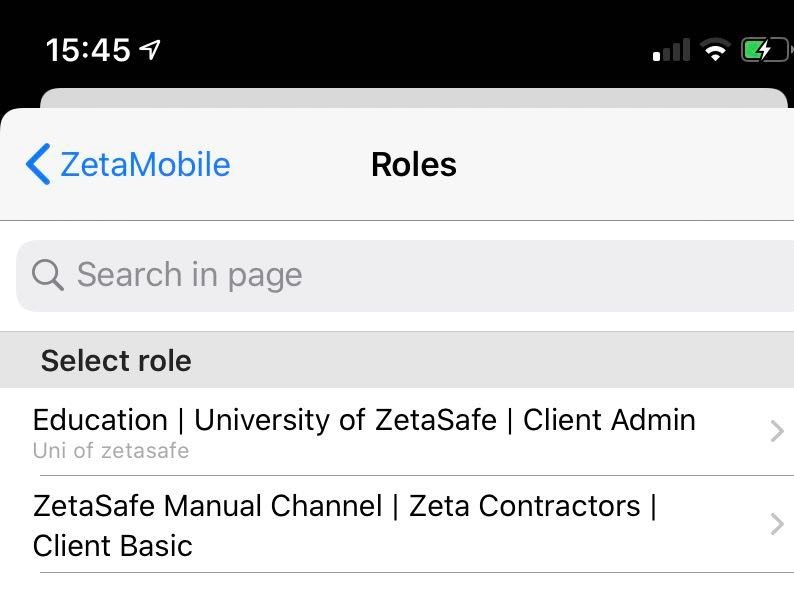
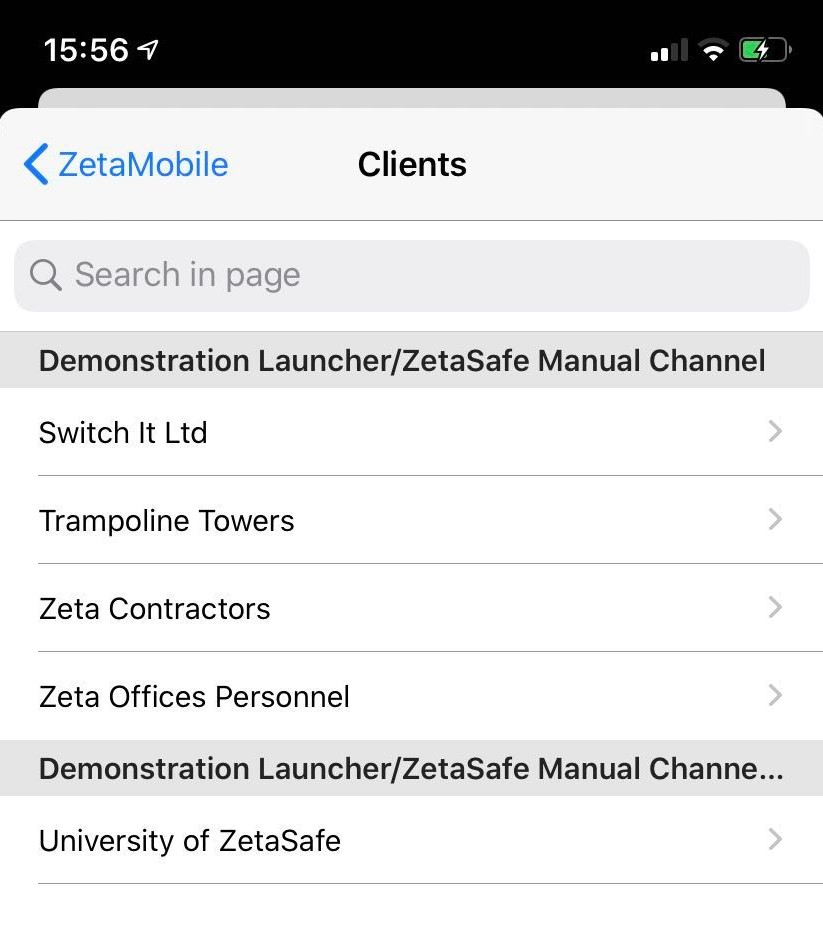
Fig 2 Fig 3 Fig 4
Reset Password
The reset password feature interacts as if you have clicked it on the website login screen, as long as you can access the email address held on your account there should be no need to contact anyone, you can handle it all right on the spot. ZetaSafe will send out a new password to your email address and using that (and your username) you can log back in to the app - you will be asked for a more memorable password and you are in!
NOTE: If you have already tried many times with an incorrect password - no worries! - reset password will also reset your login attempts so you can get going right away.
Comments
0 comments
Article is closed for comments.