
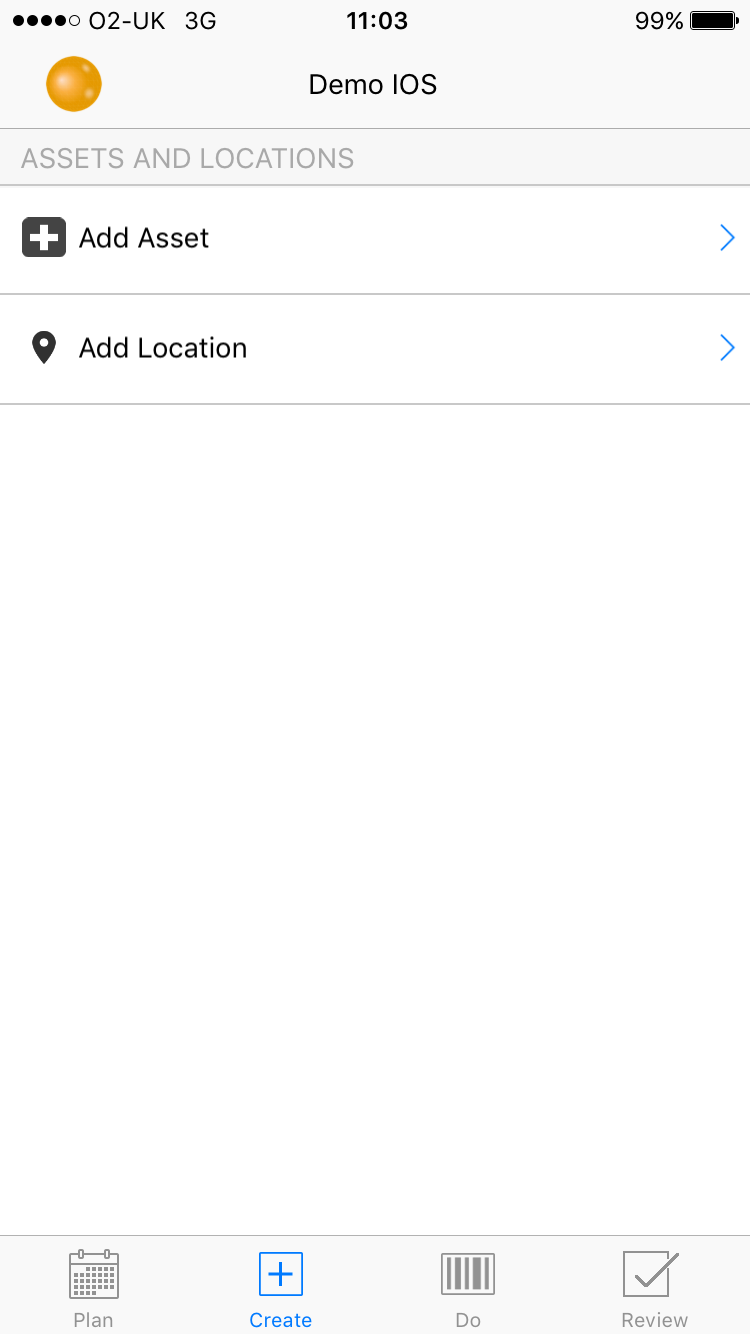
To add a new asset, on the home screen select the 'Create' tab, then select 'Add Asset' :
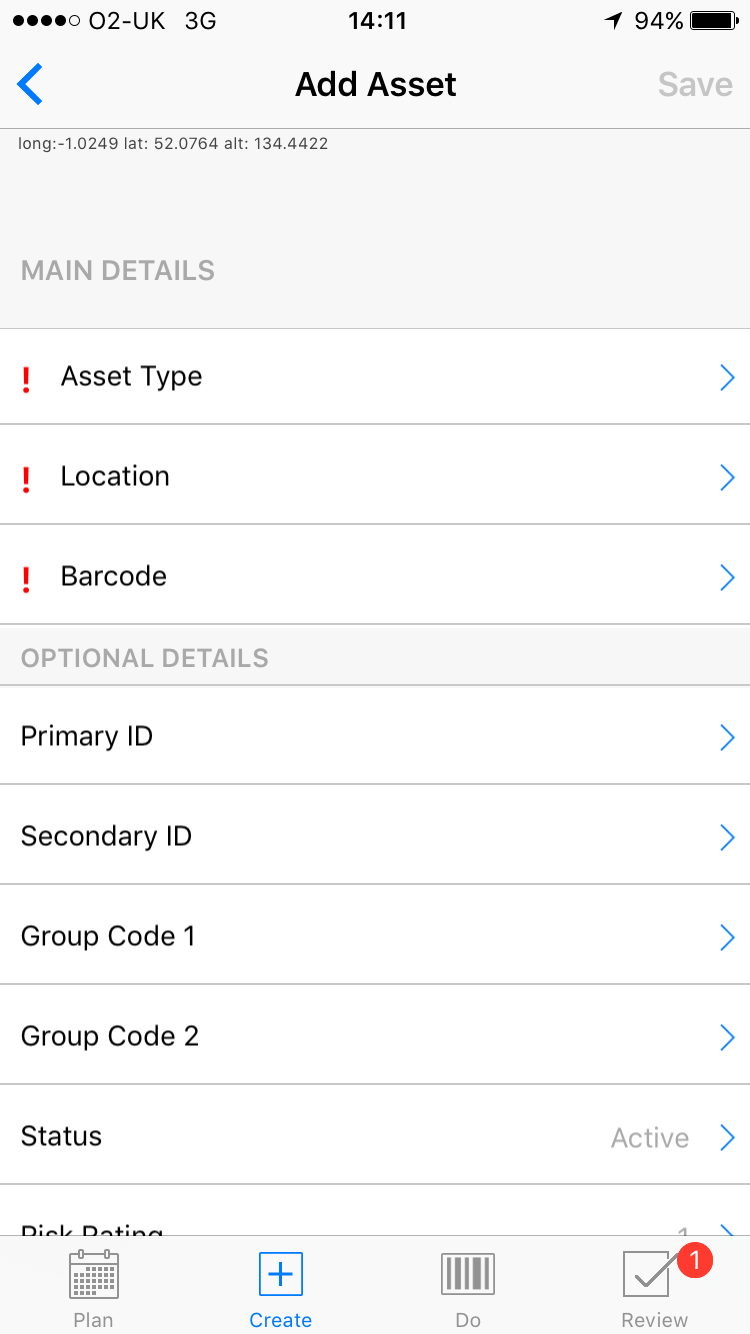
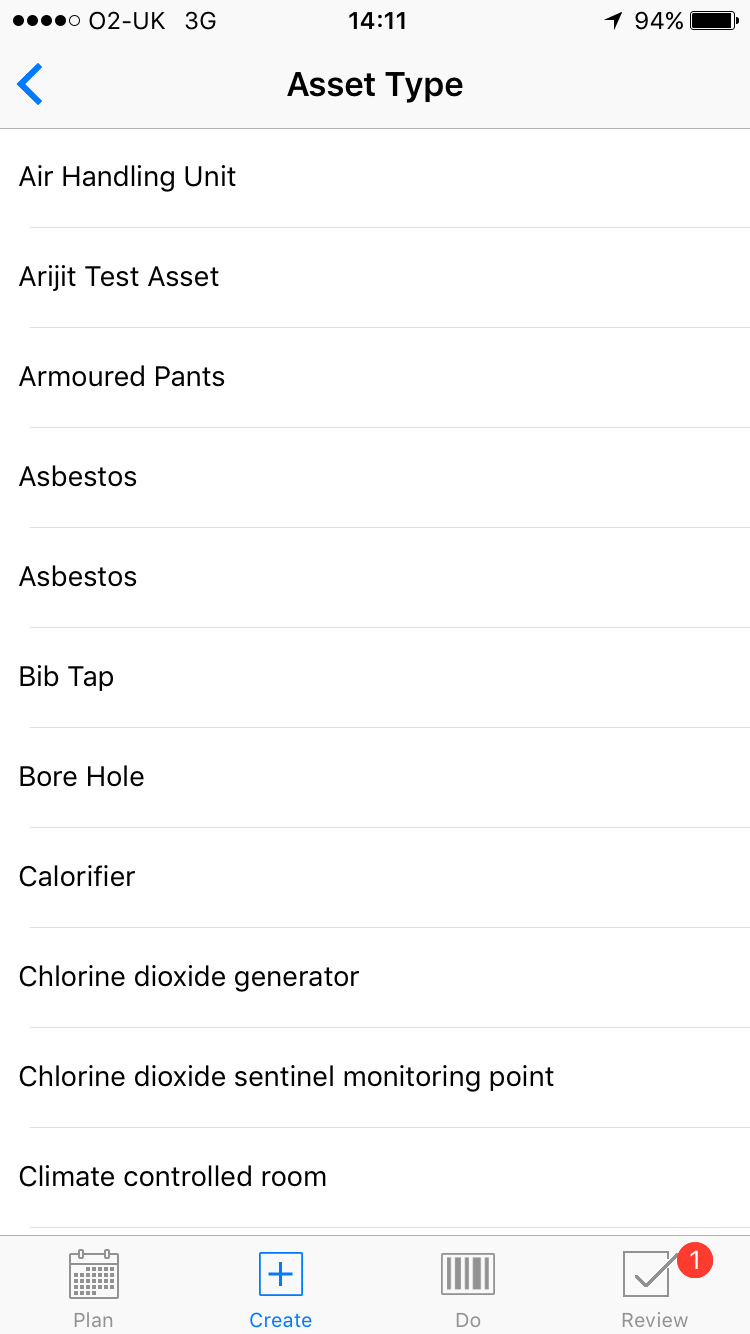
Select the asset type :
Select the location :
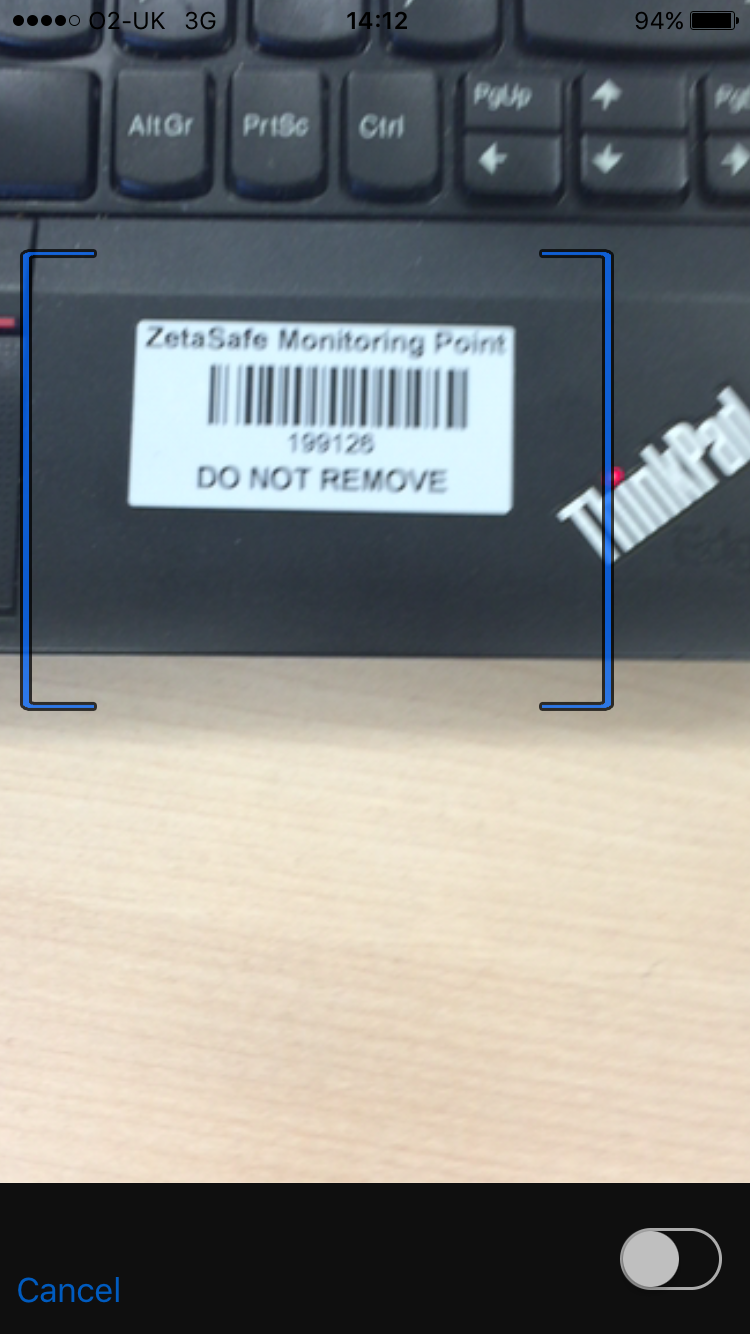
Scan the barcode :
Status
It is possible to add an asset to the system which may not yet be ‘active’ or may be in a period of shut down; this option allows you to set the status of the asset to Active/Temporarily Suspended/Not Active to reflect this. *required (Default Setting: Active)
Primary ID
The identifier for the asset (eg if you have two calorifiers you might use identifiers: Cal01 and Cal02)
Secondary ID
An extra field for adding further naming information to the asset.
Group Codes
Help to collect assets into systems or other logical ‘chunks’. All assets which are fed by Cal01 for example might all have Group Code 1 equal to ‘Hot System 01’. Group Codes are searchable on the web end of the system.
Risk Rating
This will default to 1 (low risk), this can be altered to any number 1-5 where 5 is high risk. This is the risk rating of the barcoded asset itself and not the task or location which will be associated with it. *required (Default Setting: 1 [Low Risk])
Comments
0 comments
Article is closed for comments.