
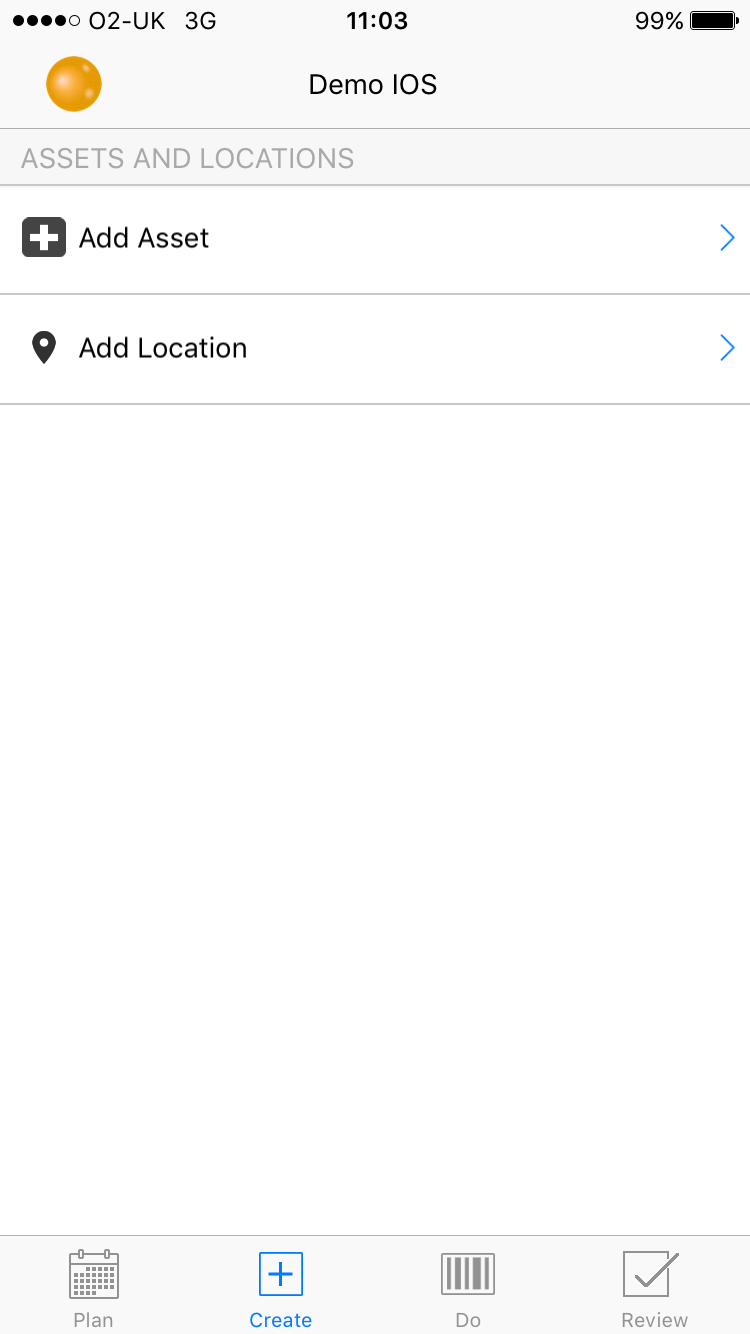
To add a new location, on the home screen select the 'Create' tab and select 'Add Location' :
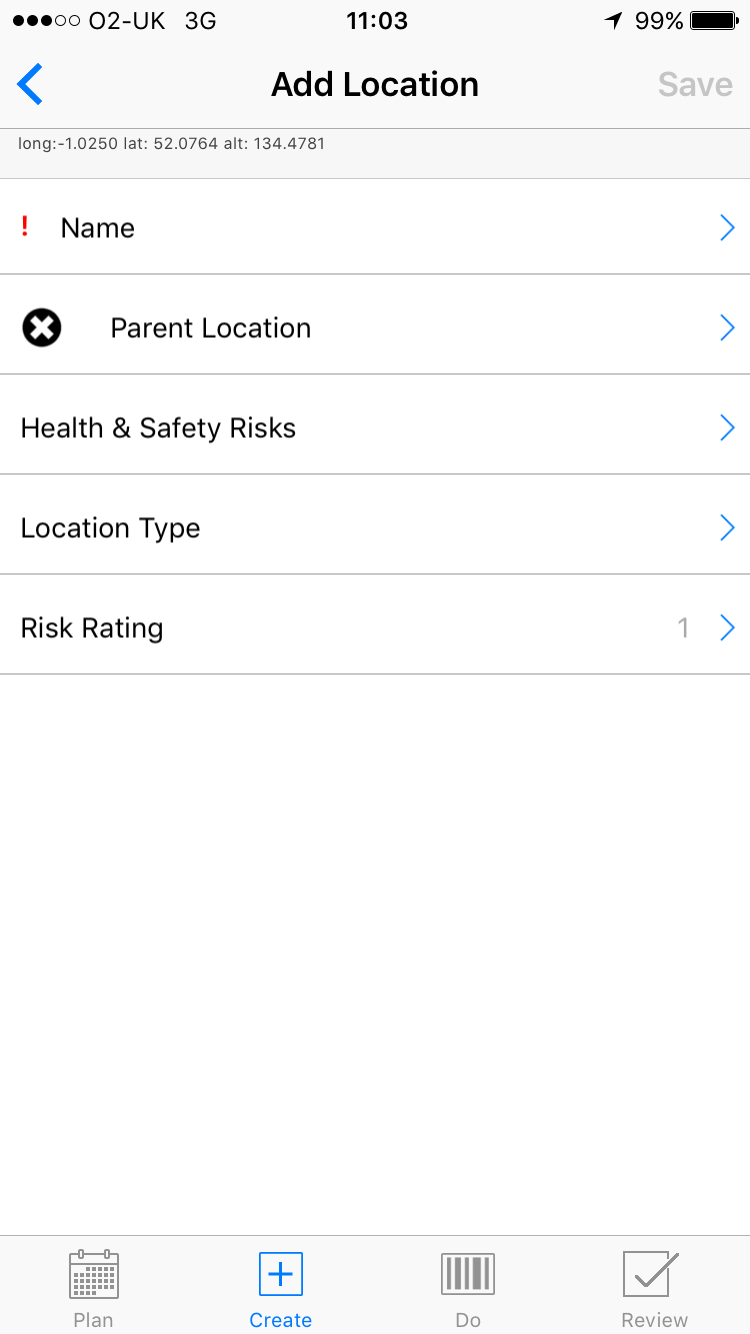
Enter the location name :
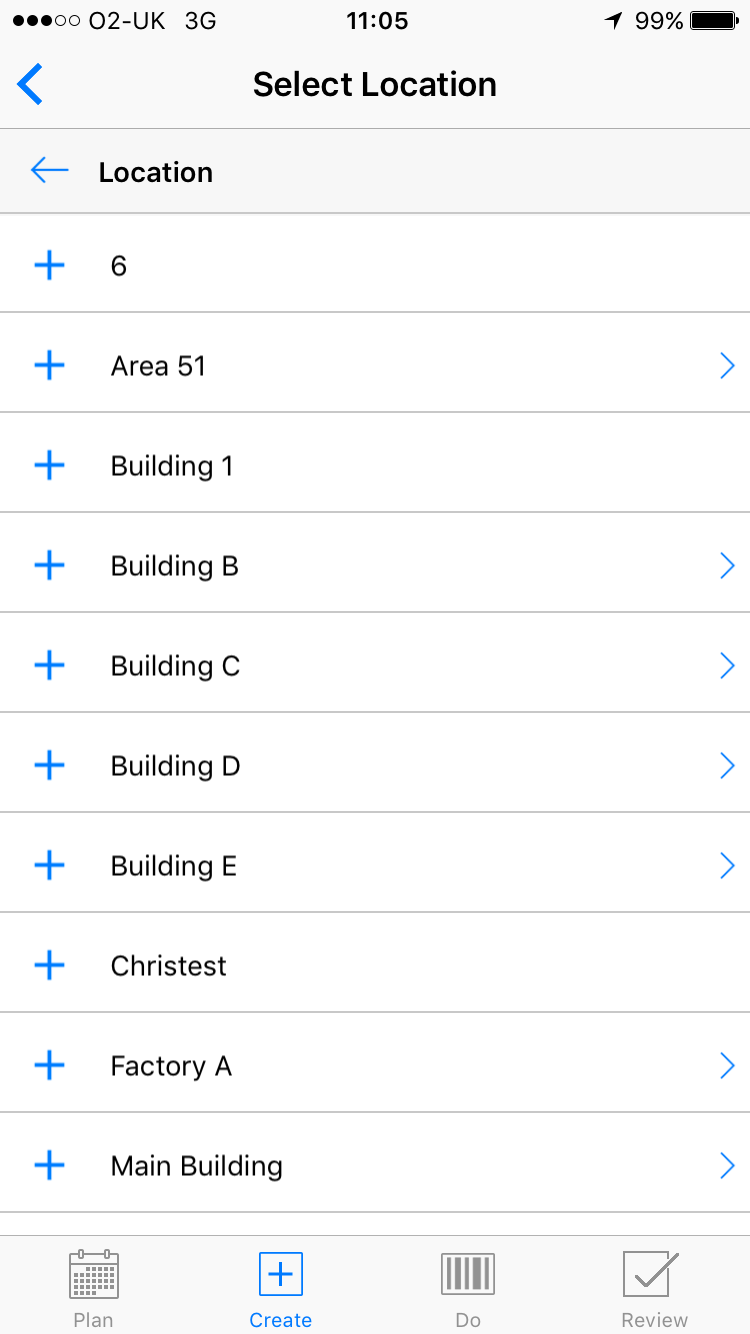
Find the parent location :
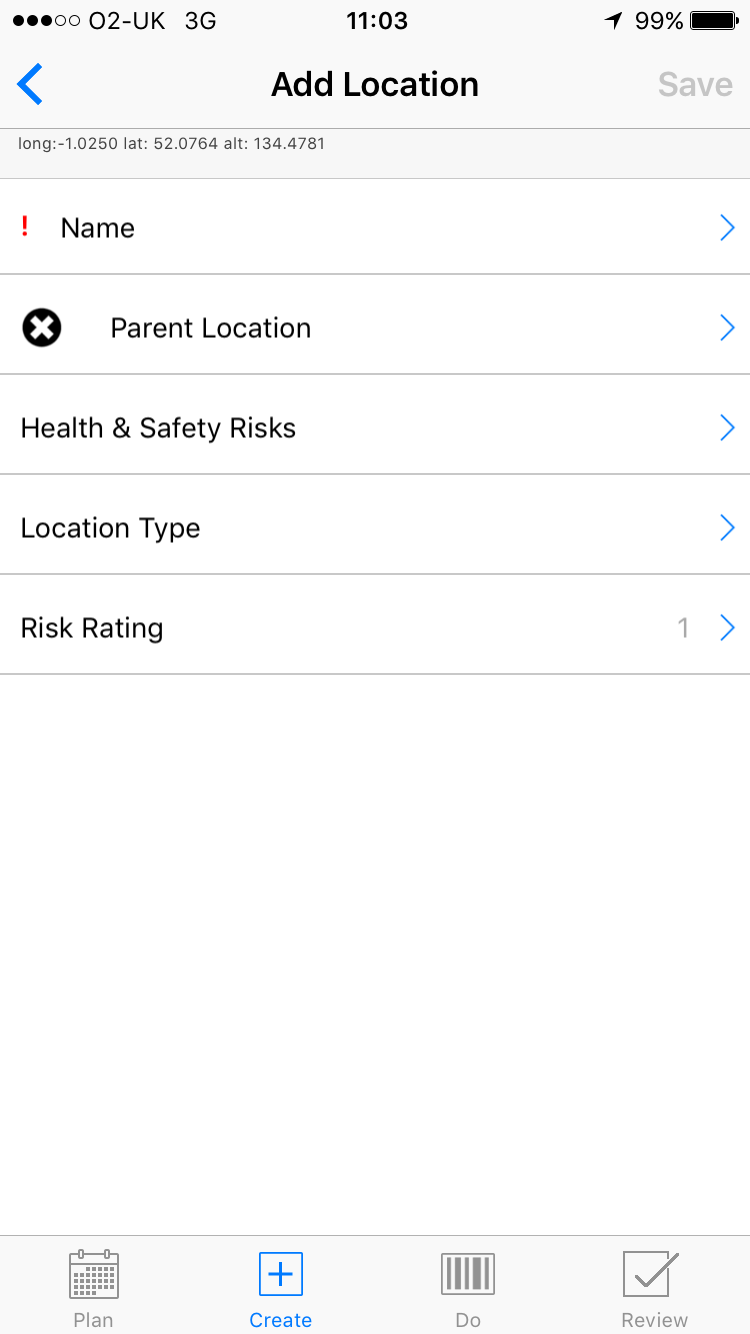
Once all the information has been input, select 'Save' :
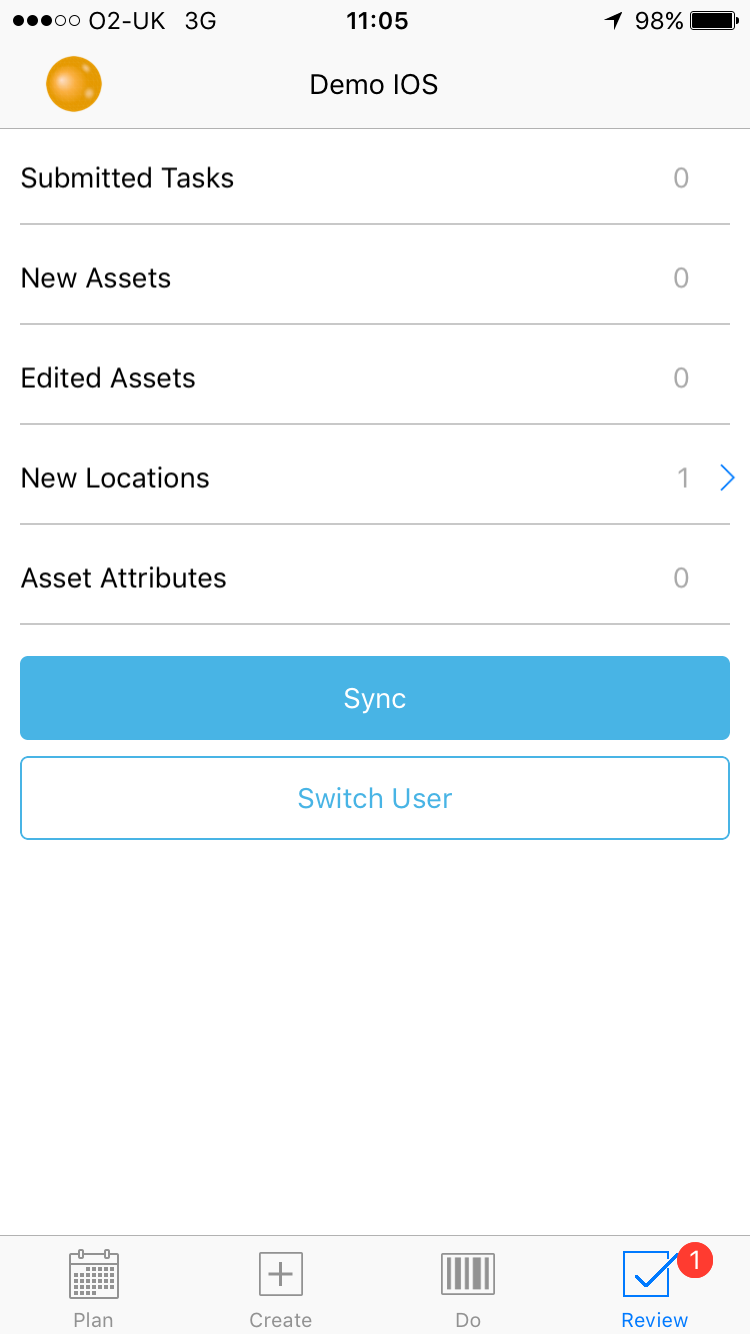
Once saved, select the 'Review' tab. To synchronise select 'Sync'. Wait for synchronisation to complete :
Comments
0 comments
Article is closed for comments.