
In the event you have forgotten your password, click "Forgot your password?" on the login page as highlighted in the screenshot below.
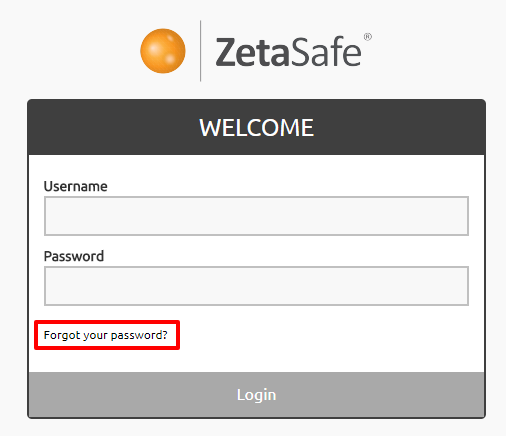
Enter a username, instructions for resetting the password will be emailed to the email address associated with the account.
If no email address exists for this account the user will be advised to contact a System Administrator to reset the password on their behalf.
If the username has been forgotten, please contact a System Administrator for assistance.
To reset another users password:
To reset a forgotten password where you have access to the email for that account:
Comments
0 comments
Please sign in to leave a comment.